Is the Sony WF-1000XM5 Good for Calls? An In-Depth Analysis
We examine the call performance, microphone technology, and real-world usability of Sony's flagship earbuds for voice communication.
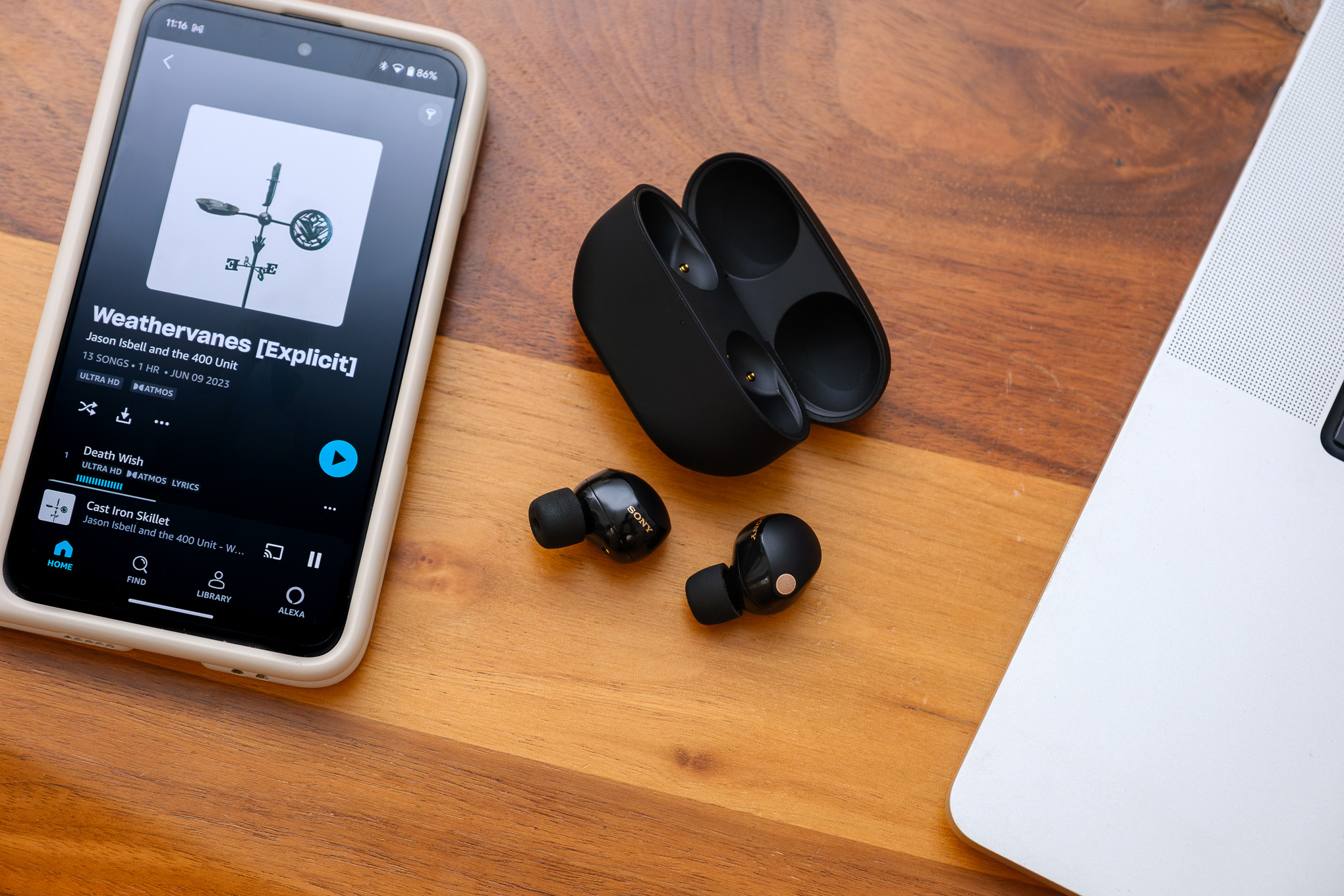
Verdict: Excellent for Phone Calls, Variable for PC Conferencing
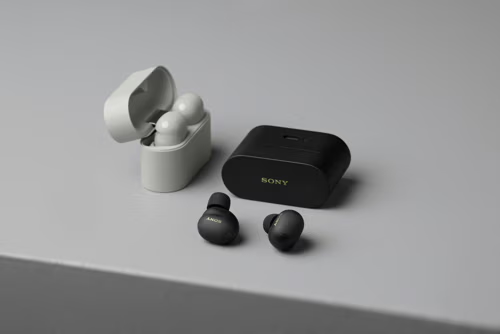
The Sony WF-1000XM5 earbuds are generally considered excellent for voice calls, representing a significant upgrade over previous models. They utilize improved microphone technology, AI-based noise reduction, and bone conduction sensors to deliver clear audio, even in challenging environments.
However, their performance can be inconsistent for video conferencing on PCs via apps like Zoom or Microsoft Teams, where some users report issues.
Sony WF-1000XM5 Call Quality: Key Technologies Explained
The superior call performance is powered by a suite of innovative hardware and software features.
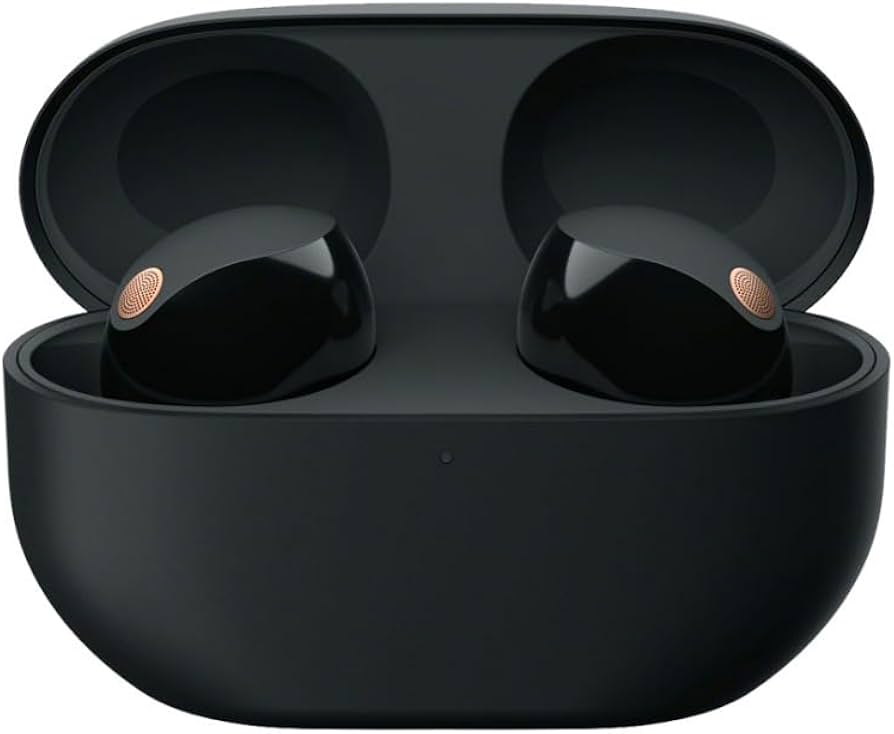
Each earbud is equipped with three high-performance microphones. A precision mesh wrap surrounds the primary mic to effectively reduce wind noise during outdoor calls.
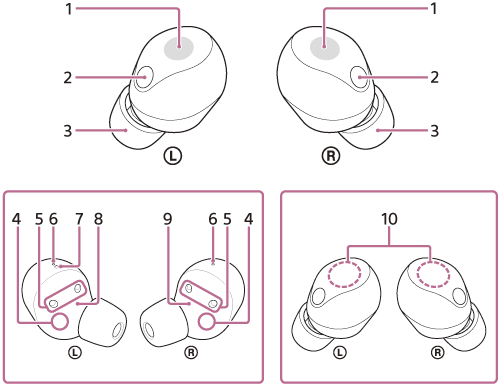
This advanced sensor captures vibrations from your jaw and skull as you speak. This data helps the AI isolate and enhance your voice from background noise, ensuring clearer voice transmission.
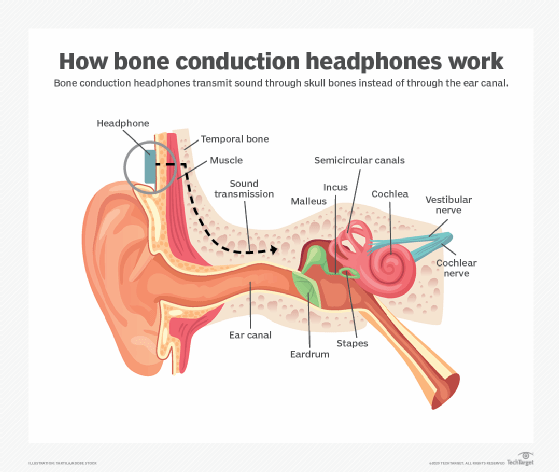
A powerful processor runs real-time AI algorithms to identify and suppress background noise (like traffic, chatter, or keyboards) while preserving the clarity of your speech.
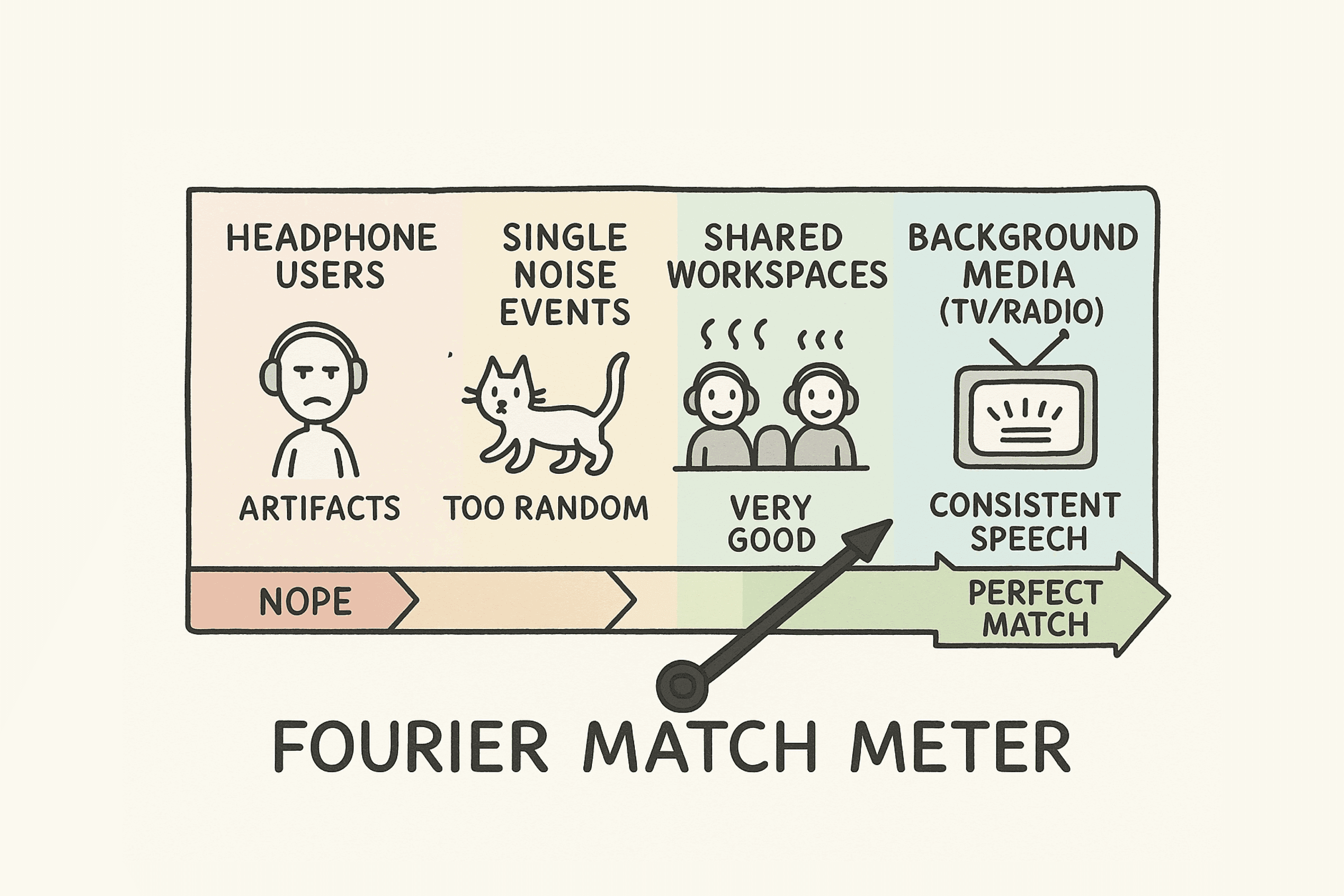
Sony WF-1000XM5 Call Performance in Different Scenarios
✅ Outdoor & Windy Calls
The earbuds handle windy conditions exceptionally well. The mesh-wrapped microphone and AI wind noise reduction make them a reliable choice for walking or talking outdoors.
✅ Noisy Indoor Environments
In cafes or busy offices, the combination of beamforming mics and bone conduction effectively isolates your voice, allowing callers to hear you clearly with minimal background interference.
⚠️ PC Video Conferencing (Zoom, Teams)
This is the main area of performance variability. Some users report the voice can sound slightly processed, distant, or encounter connectivity issues when used as a microphone on Windows/macOS. This may be due to Bluetooth codec limitations or software drivers.
Tip:
For critical PC meetings, using a dedicated USB microphone or the computer's built-in mic might provide more consistent results, while using the XM5s for audio listening.
Optimizing Sony WF-1000XM5 Call Quality: The Fit is Key
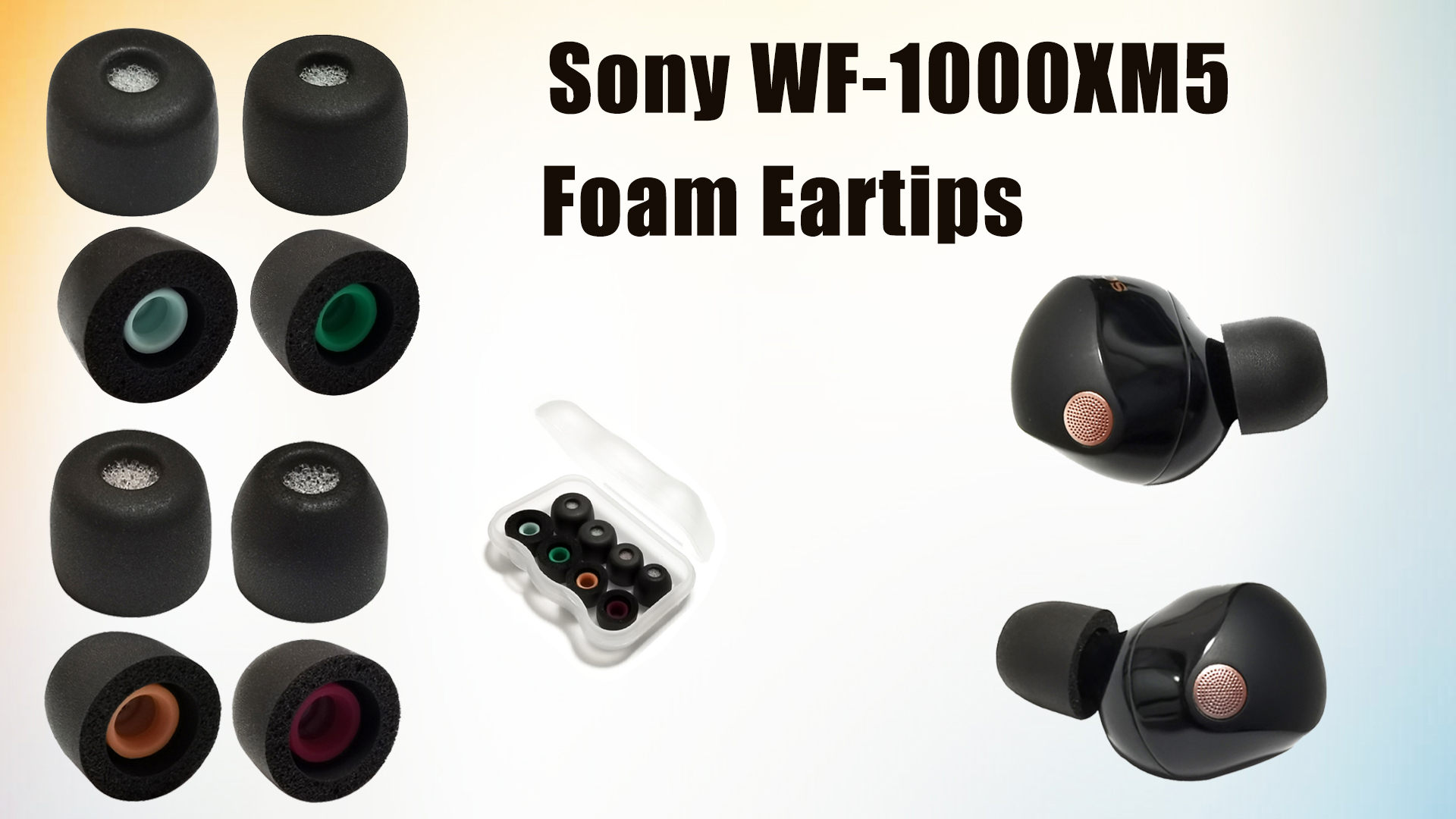
Achieving a proper fit with the included memory foam ear tips is absolutely crucial for the best microphone and noise cancellation performance.
- ✓ A tight seal stabilizes the earbud, keeping the microphones optimally positioned near your mouth.
- ✓ It improves passive noise isolation, allowing the AI to focus on your voice rather than loud external sounds.
- ✓ The bone conduction sensor requires consistent contact with your skin to accurately pick up vocal vibrations.
Always test the different tip sizes to find the most secure and comfortable fit for your ears.
Final Conclusion: Are the Sony WF-1000XM5 Good for Calls?
For the vast majority of users making phone calls on smartphones, the answer is a resounding yes.
They offer a significant upgrade in call quality over their predecessors and most competitors, especially in noisy or windy conditions. However, if your primary use case is professional-grade video conferencing on a PC, it is advisable to check recent user feedback or test them yourself, as results can be inconsistent.
For daily voice communication, the Sony WF-1000XM5s are a top-tier choice.